
Compare
Up to three models: /compare/id-id-id. Differences are highlighted.
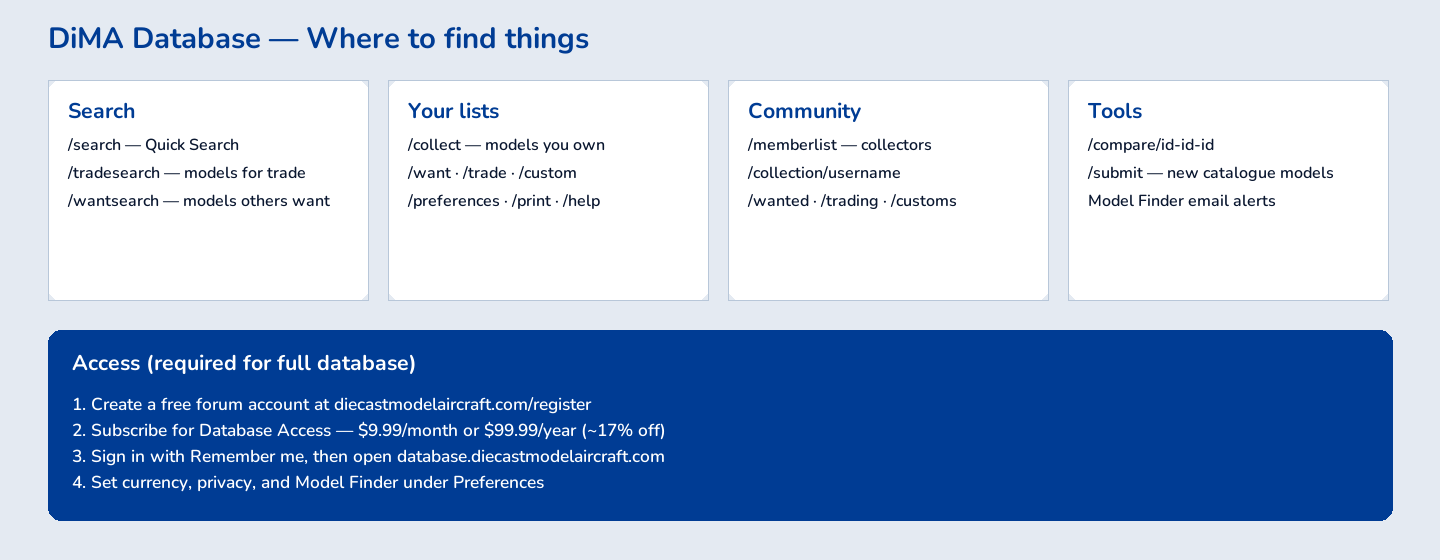
DiecastModelAircraft Database
How to search the catalogue, run your collection and want list, trade with members, and use alerts, print, and import tools.
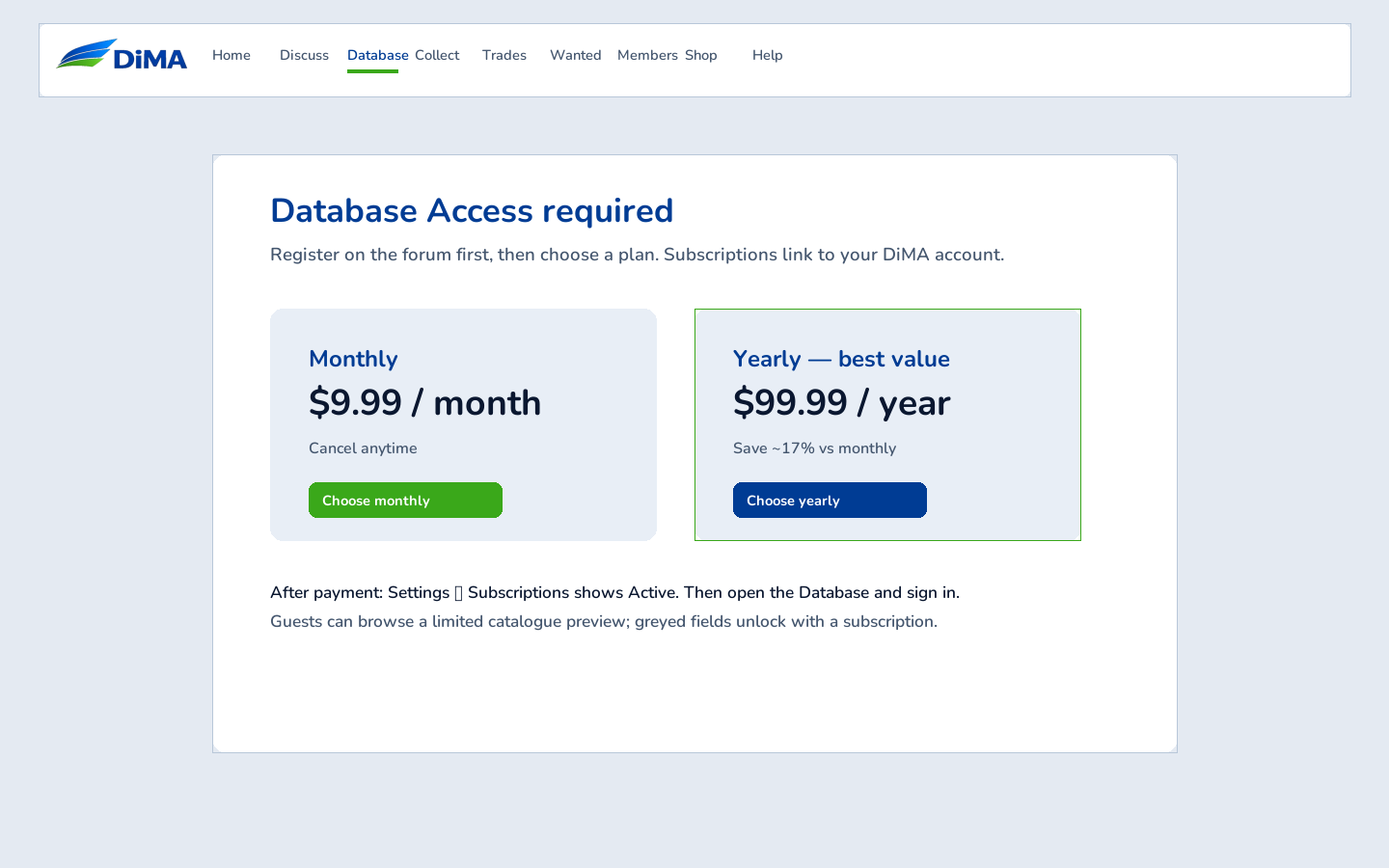
Use Quick Search for airline, aircraft, manufacturer, scale, and part #. Advanced Search adds country, registration, release years, and more. Trade Search and Want Search limit results to models others are trading or wanting.
/airline/Name, /manuf/Name, /scale/1:400, /geminijets, /herpa, …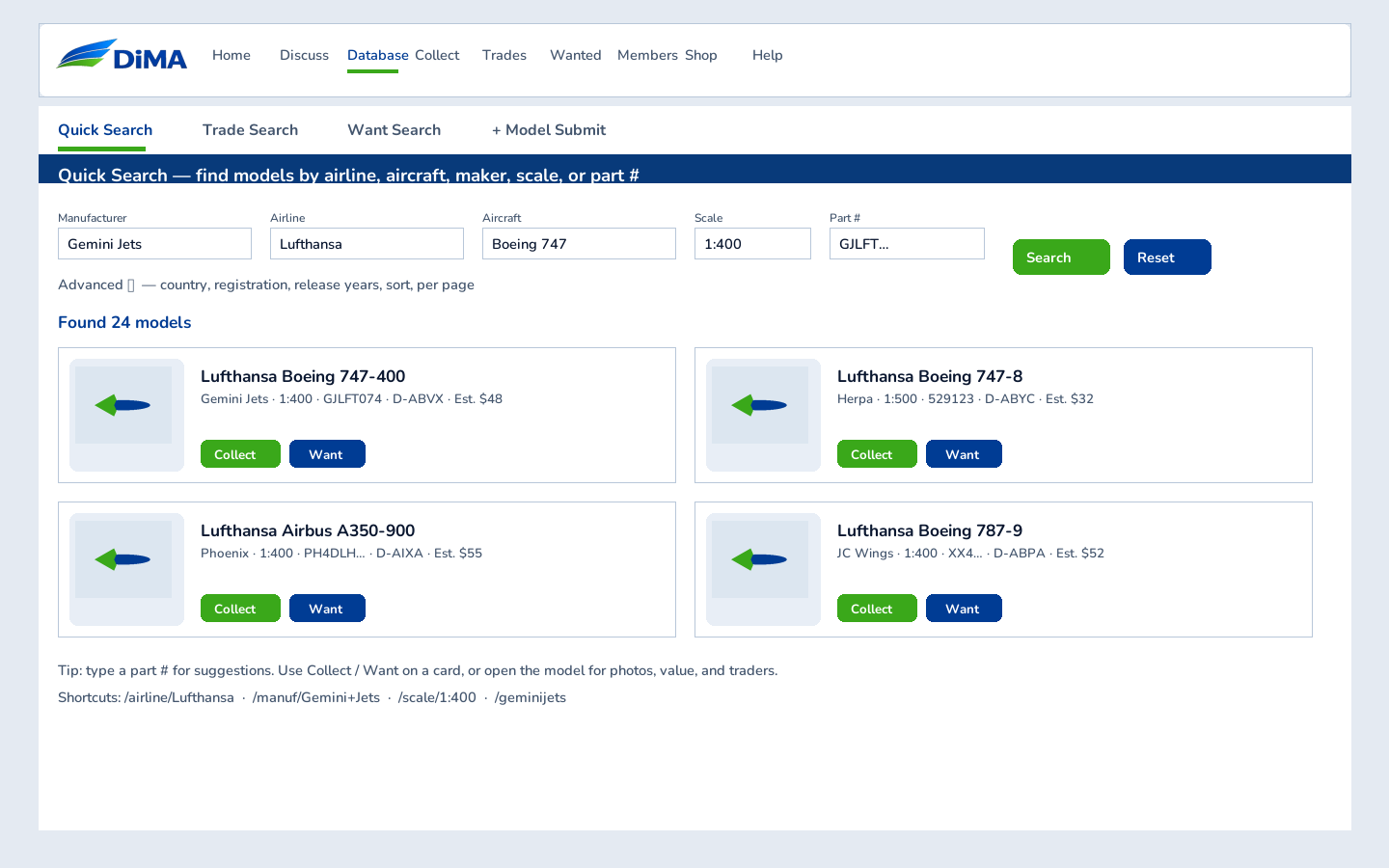
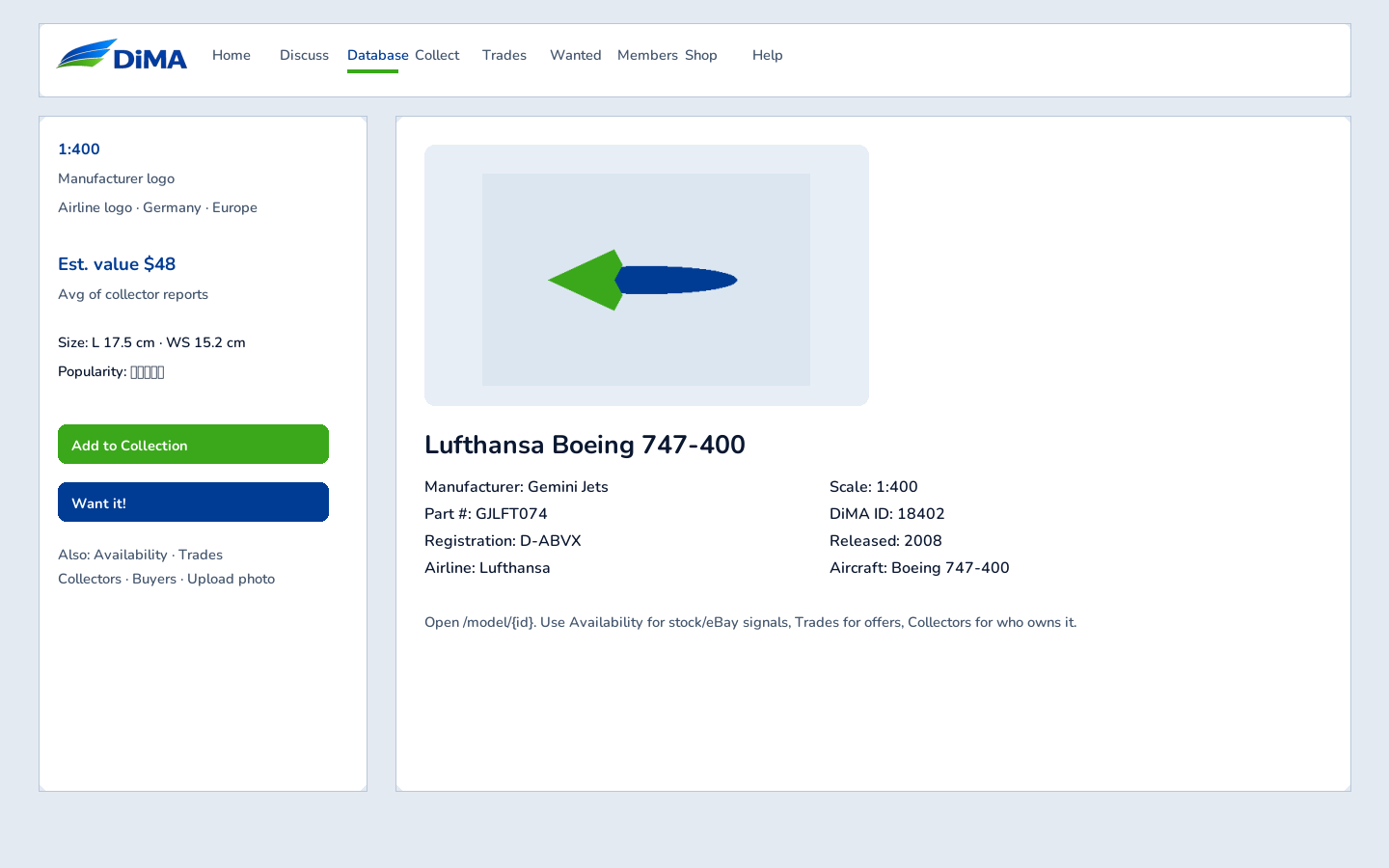
Open a result or go to /model/{id}. Each page shows photos, specs, size, estimated value, availability, trades, and collectors. From here you add to Collection or Want, upload photos, and check stock / eBay signals.
Your Collection lists models you own. The sidebar shows counts, cost, estimated value, and member level. Edit paid amount, postage, date, source, and notes. Toggle Trade or Private per model.
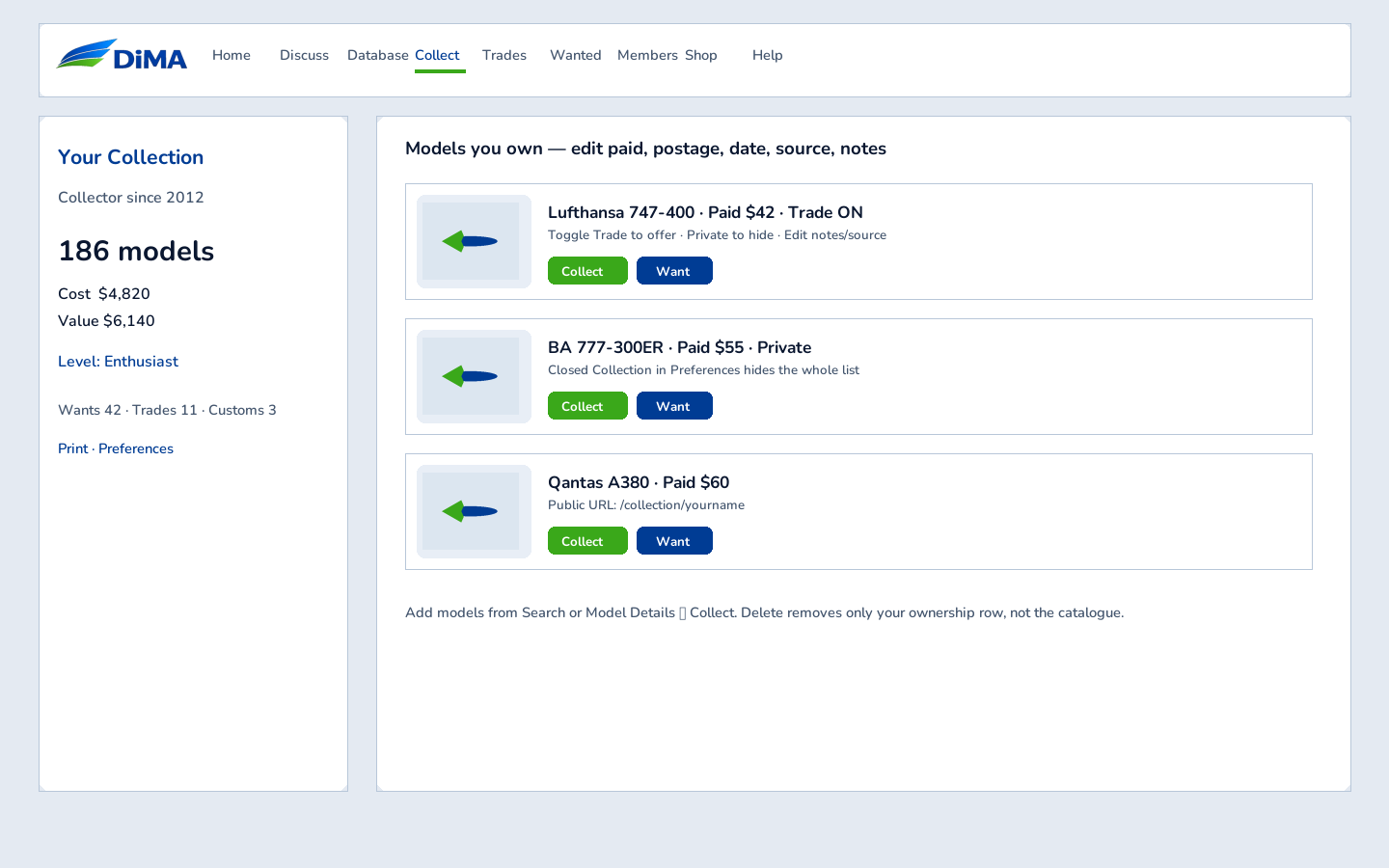
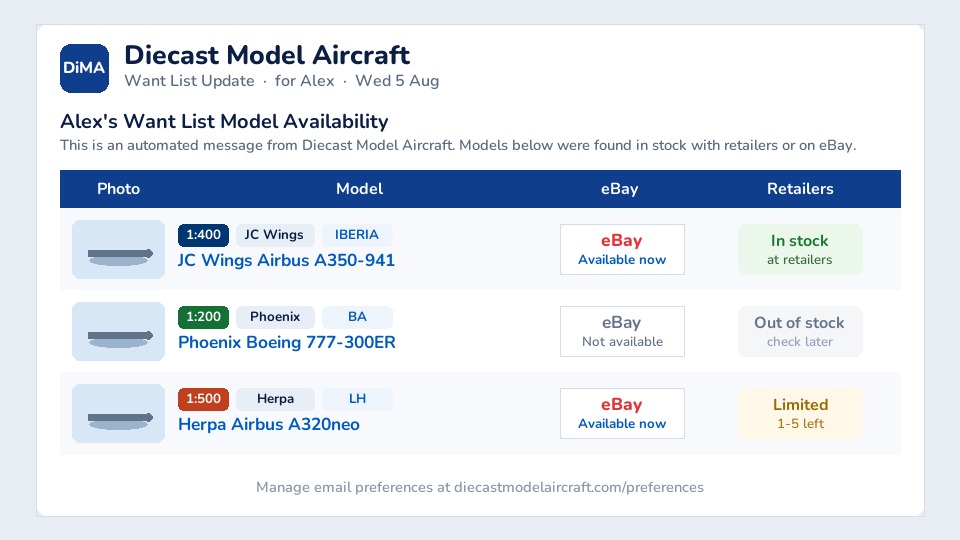
Add models with Want it!. Edit priority, max price, and notes on Your Wants. Enable Automated Model Finder in Preferences to receive weekly availability reports.
/trades/{id} to see who is offering a model, then PM them on the forum.Public trading page: /trading/{username}. Also see Customs for one-offs and Model Submit for new catalogue entries.
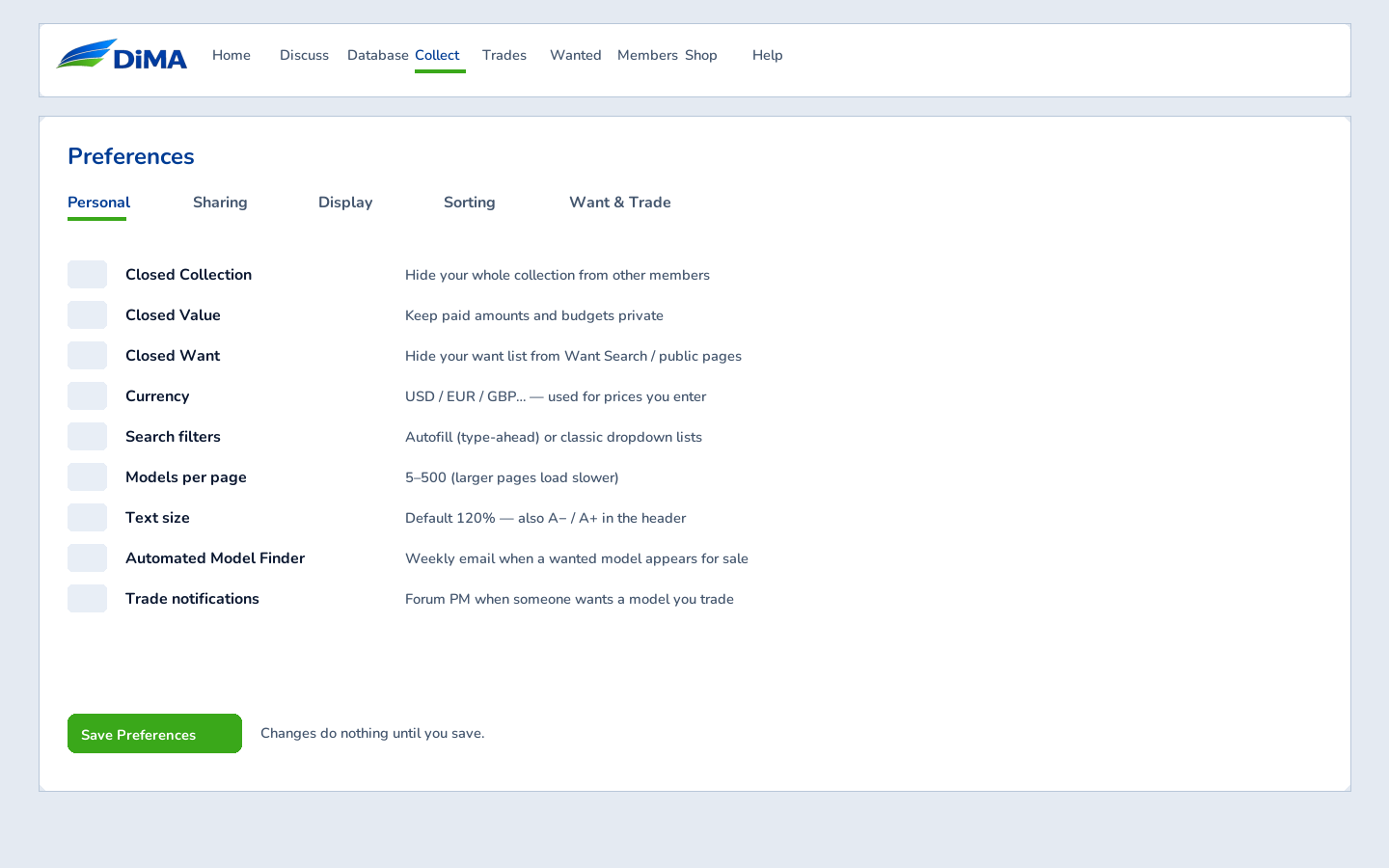
Preferences controls privacy (closed collection / value / want), currency, page size, display columns, sort order, signature graphic, and alert options. Always click Save Preferences.
Up to three models: /compare/id-id-id. Differences are highlighted.
Print Collection, Wanted, Trades, or Custom — Letter/Legal/A4, portrait or landscape.
Member list and public /collection/{user}, /wanted/{user}, /trading/{user}.
You need an active Database Access subscription (or access group). Manage plans under Settings → Subscriptions.
Sign in again from the database site (Log in), allow cookies for diecastmodelaircraft.com, and keep Remember me checked so you stay signed in after closing the browser.
Turn off Closed Collection in Preferences, and check per-model Private flags.
Enable Automated Model Finder, confirm your forum email, and check spam. Subscription must be active.
More help: Contact us · info@diecastmodelaircraft.com · full guides in /docs/ on the server.